How to Make a Rap Music Video Without a Camera or Crew
You do not need a camera, a location or an editor to make a short rap music video. Compare filming, phone shoots and AI, and learn when photos are all you need.
 airapvideo Team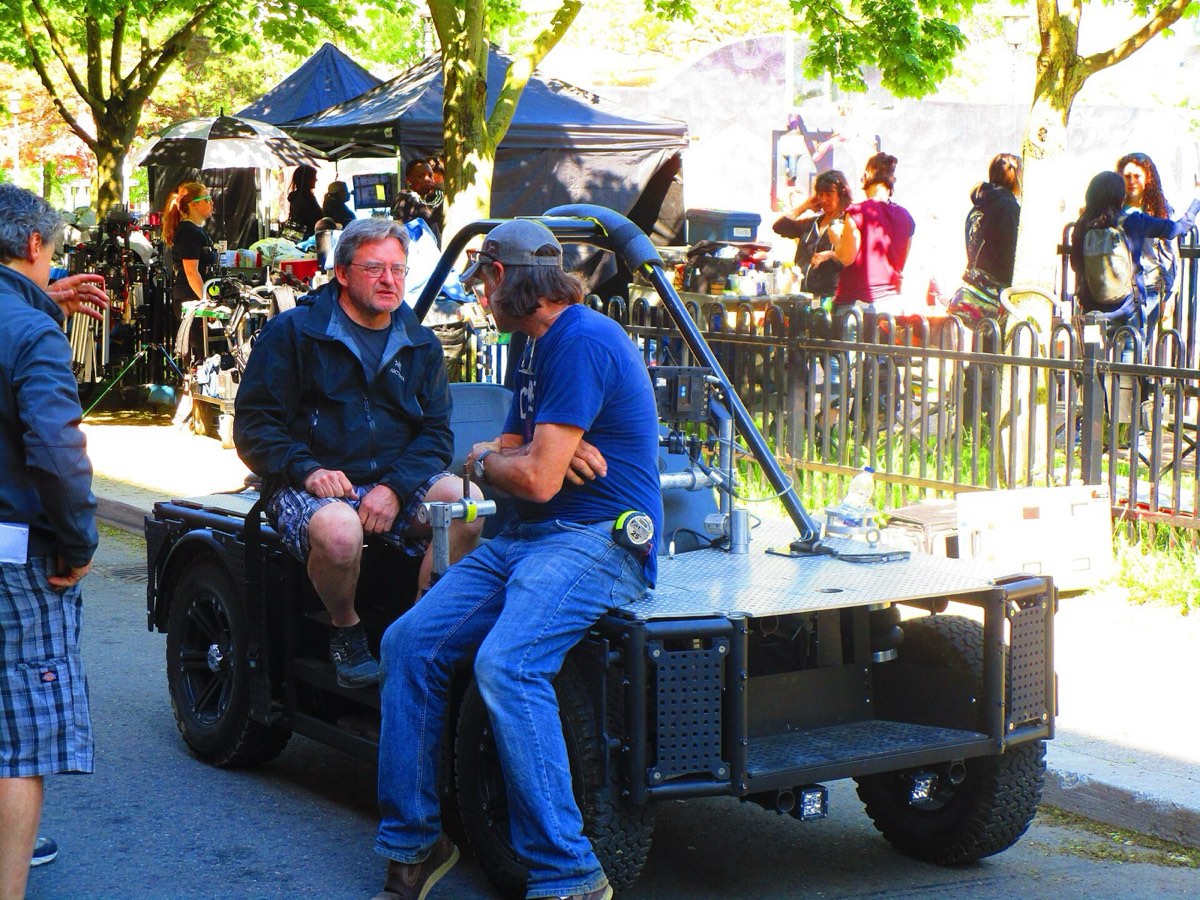
A traditional rap music video needs a camera, a location, a crew, performers who can lip sync on cue and hours of editing. That is fine for a release. For a 10-second clip you want to post on TikTok, Reels or Shorts, it is far too much work.
This guide compares the three realistic ways to make a short rap video today, and shows when two photos are all you need.
Option 1: A traditional shoot
A proper shoot gives you full control: your song, your lyrics, your location, your look. It also takes the most time and money. Even a small shoot means booking a place, getting everyone there at the same time, filming several takes and editing them together.
Good for: official music videos, songs you are releasing, anything where your own track is the point.
Not good for: quick social posts, jokes, gifts, or anything with people who cannot be in the same place.
Option 2: Filming on your phone
A phone and a ring light get you most of the way for a solo clip. You play a track, lip sync to it, and edit in an app. The challenge is the duet: both people need to be in the frame at the same time, know the words and be willing to perform on camera. Many people are not.
Good for: solo creators who are comfortable on camera and want to use a specific sound.
Not good for: two people in different places, or people who would never rap on camera themselves.
Option 3: An AI rap video from photos
An AI rap video generator skips the camera completely. You upload one photo of each person and the AI does the rest:
- It composes both people onto one shared stage, keeping their faces, hairstyles and outfits.
- It animates the scene into a 10-second vertical video with a built-in beat, rap vocals, mouth movements and gestures.
- It gives you an MP4 to download and post.
Nobody has to perform, nobody has to be in the same room, and nobody has to edit. The whole thing takes about 3 to 5 minutes. How AI rap videos work explains each step in more detail.
Good for: duets with friends, family or coworkers; birthday and anniversary messages; quick social content; people who are camera-shy.
Not good for: music videos for your own song. The audio is generated from a built-in rap performance, so you cannot upload your own track or lyrics, and the vocals and lip sync can vary between renders.
Side by side
- Traditional shoot: camera, lights and a location; everyone in one place; someone has to perform; hours of editing; your own song; takes days.
- Phone video: just a phone; everyone in one place; someone has to perform; some editing; your own song; an hour or more.
- AI from photos: two photos; nobody needs to be in the same place or perform; no editing; built-in rap performance instead of your own song; about 3–5 minutes.
How to make one from photos
- Pick two clear photos. One person per photo, face visible, roughly front-facing, similar framing. See which photos work best.
- Choose who leads. The left side leads the verse, the right side hypes.
- Upload and click Create on the generator. There are no prompts or settings.
- Download the MP4. It is 10 seconds in vertical 9:16, without a watermark.
You do not need an account to start. A single video is $9.90, with packs of 3 and 5 on the pricing page. If a render fails, the credits go back to your balance automatically.
Before you post
- Make sure everyone in the photos agreed to be in the video.
- Only include children if you are their parent or legal guardian.
- Label the clip as AI-generated.
- Check each platform's rules for AI content.
If you want your own song in a polished video, film it. If you want a funny, personal 10-second rap duet today, start with two photos.